

As I continue to explore the topic of ChatGPT, it is clear that article creation can be a controversial issue in the ongoing debate. To reiterate a crucial point, I want to reiterate that copying and pasting entire ChatGPT-generated articles onto your site is not recommended.
You can utilize ChatGPT as an aid for generating content; however, it is essential that you personally undertake most of the writing task.
Let us dive into the topic.
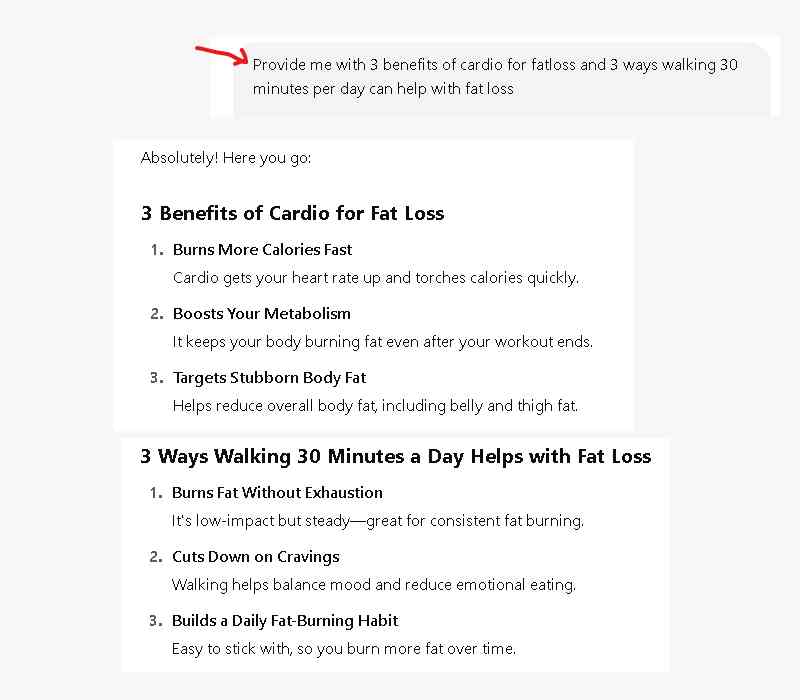
In a previous post, I used ChatGPT to generate three key points on both the benefits of cardio and the impacts of walking 30 minutes a day for fat loss. Here’s a screenshot of that part of the chat.
Here are the previous posts so you can catch up:
Online marketing with ChatGPT
Creating legal pages for your site
Generate topics and titles
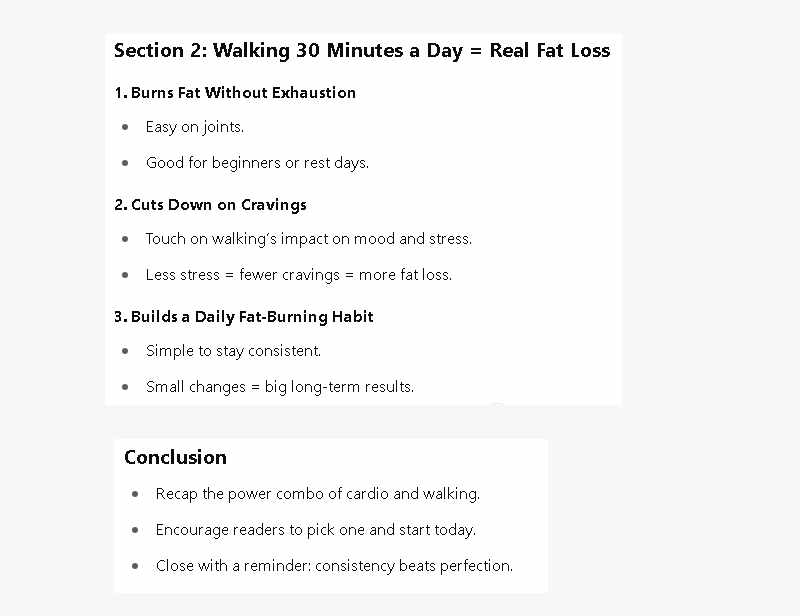
The next step is to request that ChatGPT create an outline for the article, providing a structured guide to follow rather than a disjointed piece. To do this, simply instruct ChatGPT to use the previously generated points to create an outline, keeping in mind that it is a conversational interaction.
Now that you have gathered all the necessary elements for your article, it’s time to start writing.
While using this shortcut can save a significant amount of time, some people may still struggle with writing from scratch, feeling intimidated by the blank page.
ChatGPT can get you started.
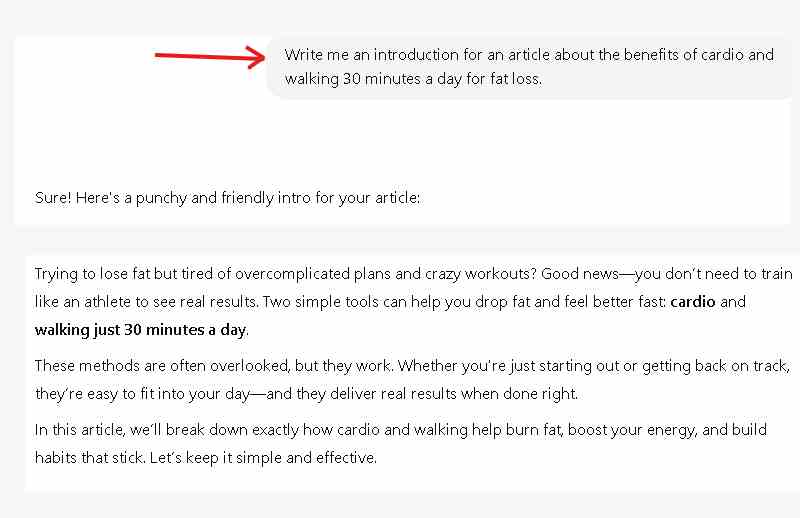
Let’s ask it to generate an introduction for your article to get the ball rolling.
Wow! To be honest, that’s a decent introduction. Keep this in mind, we’re living in a fast-paced world where people’s attention span is shorter than a TikTok video – if it’s not engaging, they’ll scroll past in an instant.
With that in mind, it’s unrealistic to expect readers to sit through a lengthy intro, especially one generated by ChatGPT.
The key is to be concise: if you can convey your message in two words, don’t use more unless it’s to add entertainment value or captivate your audience.
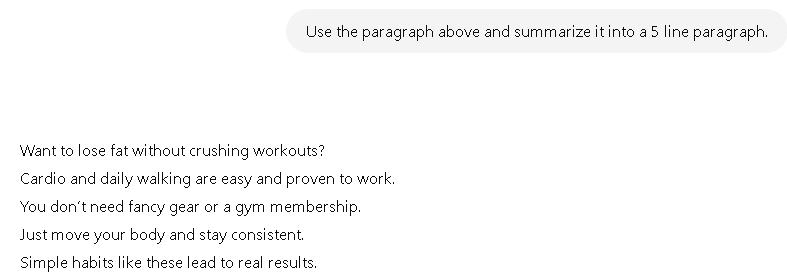
To put this into practice, I’ll ask ChatGPT to condense the introduction and summarize the article into just five lines.
Great! Now you have a concise introduction that summarizes the article, providing a solid starting point for writing your own introduction. To take it to the next level, you could expand on it, similar to the example below…
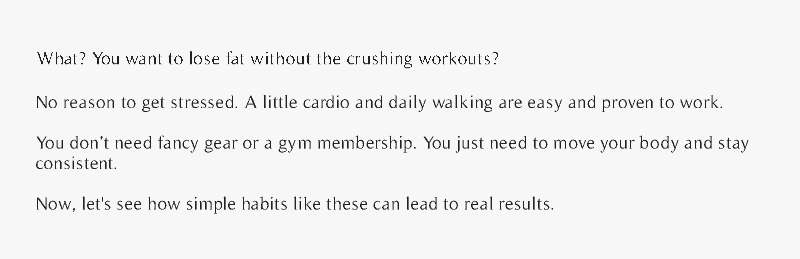
While it’s a few words longer than ChatGPT’s initial introduction, starting with a question can effectively capture the reader’s attention and draw them in. You’ll notice that my revised intro incorporates the key points provided by ChatGPT. It’s only a few changes, but more effective.
This is the right approach.
Moreover, if you can craft a compelling introduction, you can also create a strong conclusion.
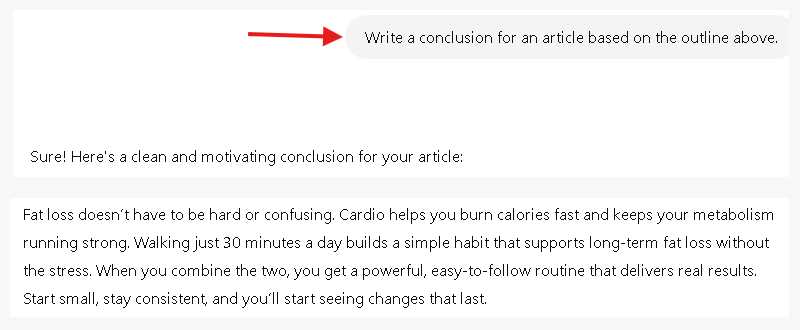
To demonstrate this, let’s use ChatGPT to generate a conclusion based on our outline.
To maximize ChatGPT’s potential, simply experiment with it and provide the right guidance or ask the right questions.
You don’t have to worry about offending it, as it’s a machine learning tool, not a person.
By combining ChatGPT’s AI capabilities with your unique voice and personality, you can supercharge your content creation and produce engaging, enjoyable content.
Quick Links
Important Links
Get In Touch
One of the best opportunities provided through online affiliate marketing is the ability to use a variety of strategies and techniques to develop and create a sustainable online business.
Disclaimer: There may be a material connection on this site including pages/posts that may contain affiliate links of which I may receive a commission for anything purchased.
© 2026 Online Affiliate Marketing | Build an Online Presence | Web Development By TEKware